Stride
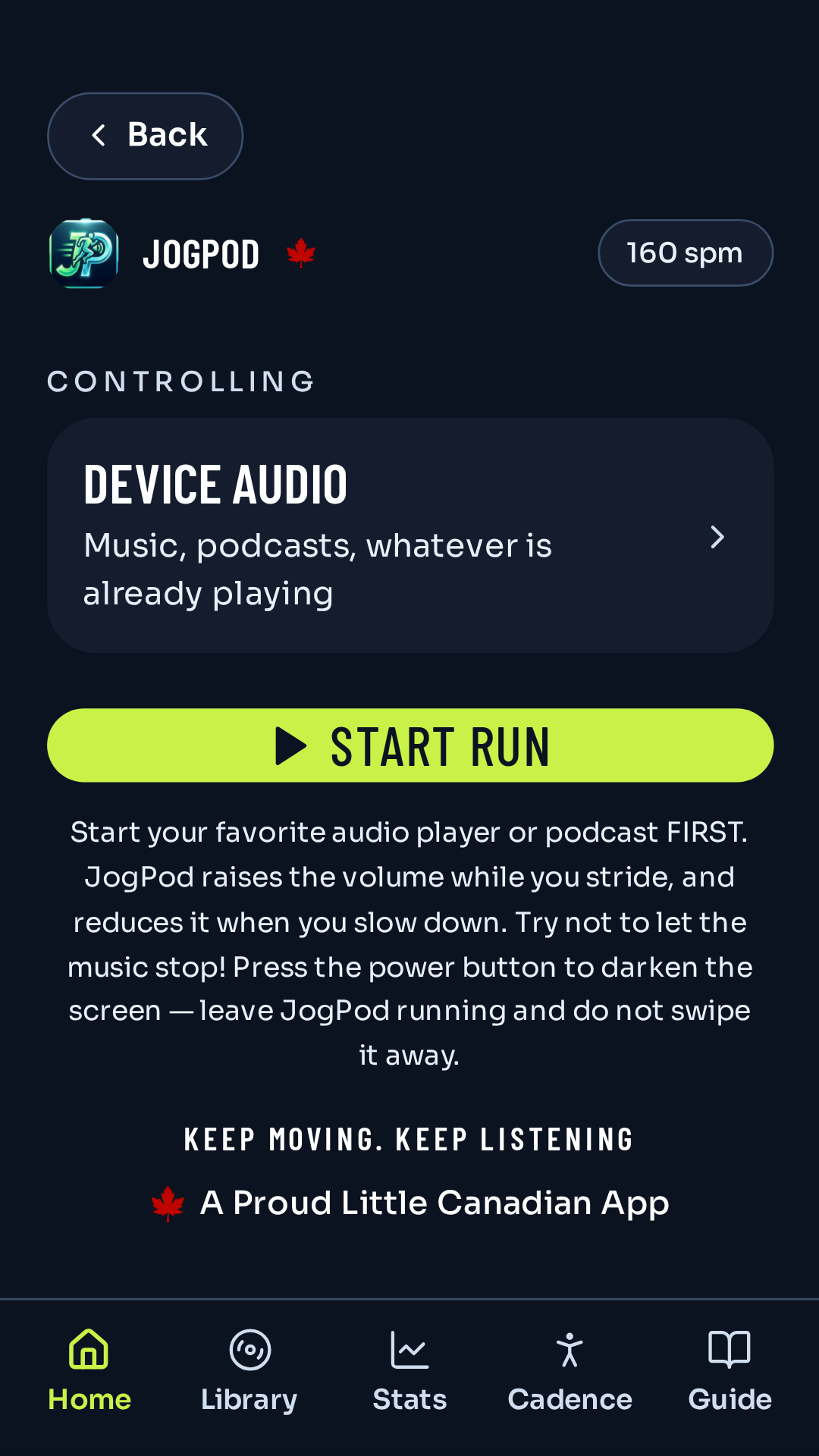
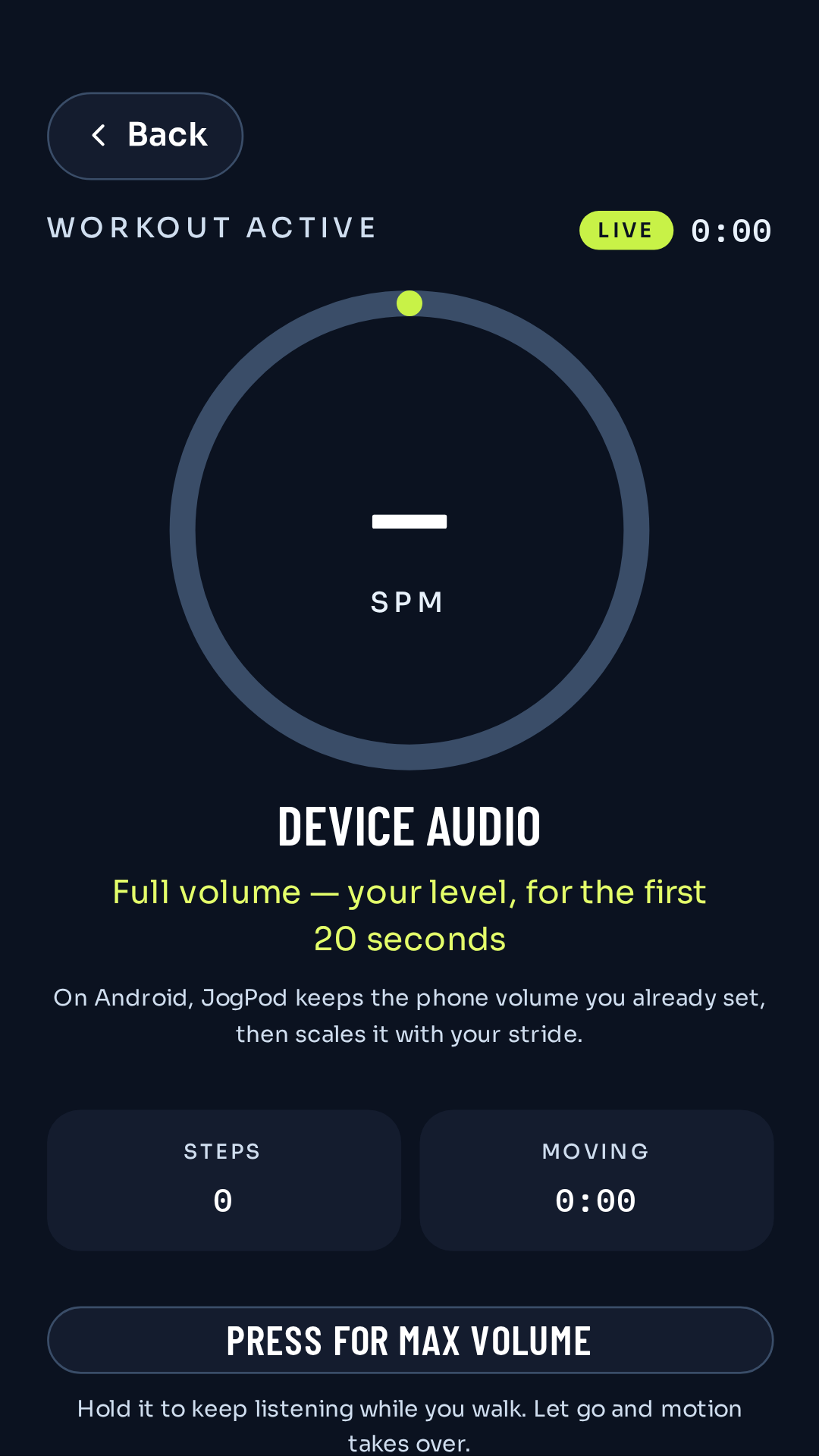
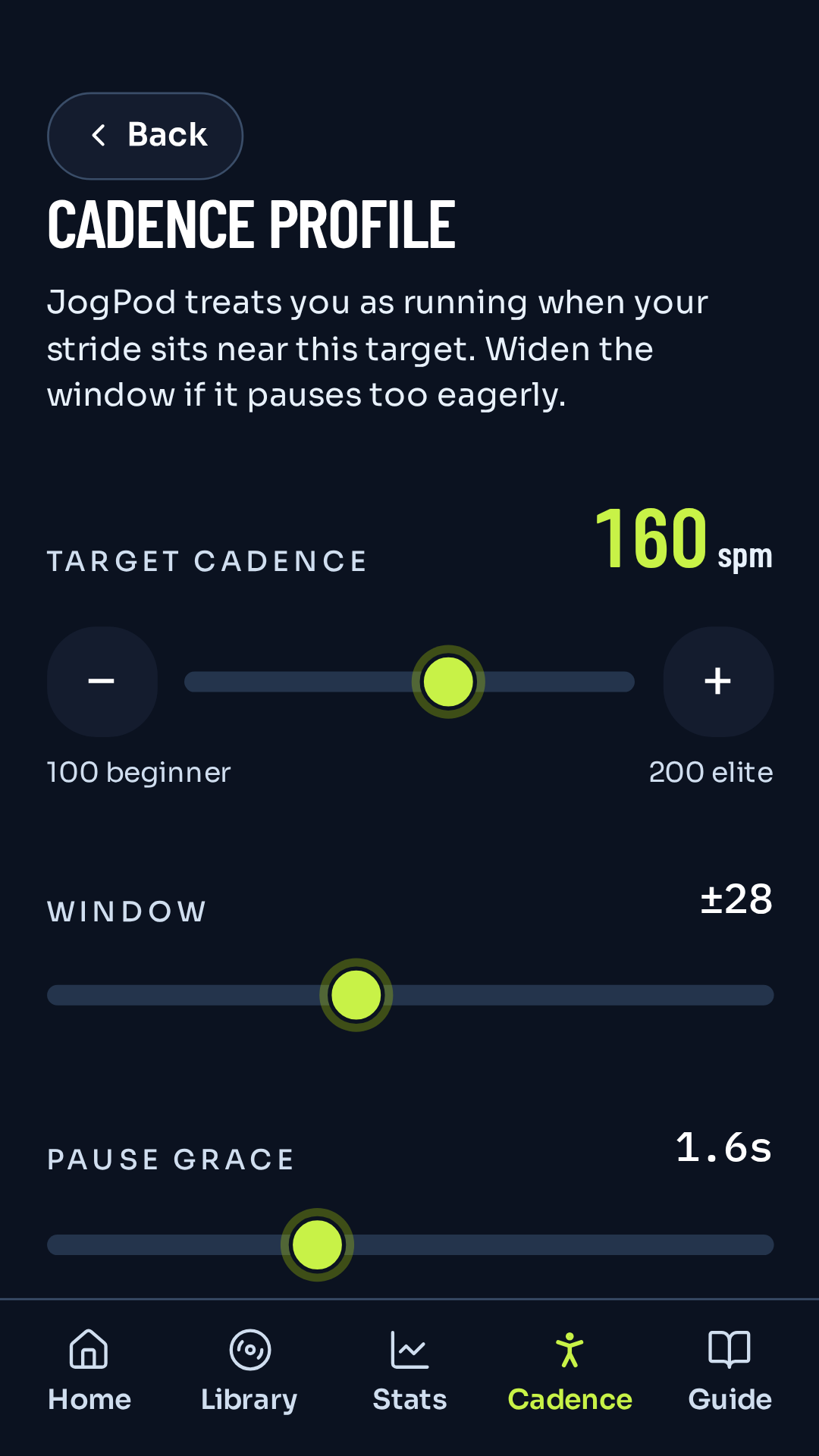
Set a goal from 100 to 200 steps per minute. After the first 20 seconds, closer to that goal means louder audio.
 JogPod

JogPod: Motion-Locked Audio For Runners
Volume follows your stride.
A Proud Little Canadian App
Motion-Locked Audio For Runners. Works with your favorite audio app or playlist. Open JogPod and let your music, audiobook or podcast motivate you to reach your goals. Keep Moving - Keep Listening.
Get it on Google PlaySet a goal from 100 to 200 steps per minute. After the first 20 seconds, closer to that goal means louder audio.
The screen can go dark. JogPod keeps following your stride while a run notification stays up.
JogPod is an exercise companion, not a doctor or medical device. Stop if you feel unwell and seek care.
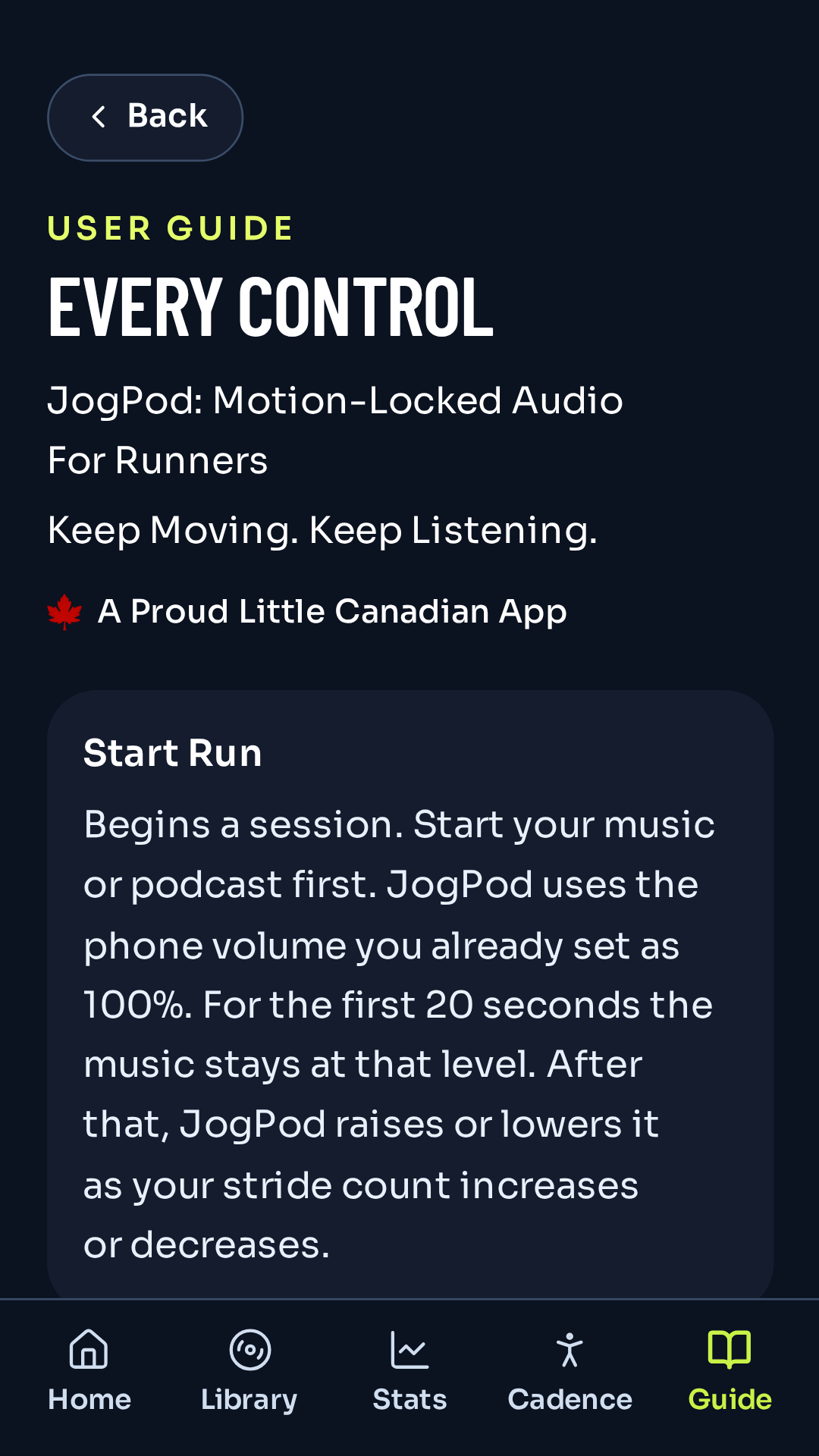
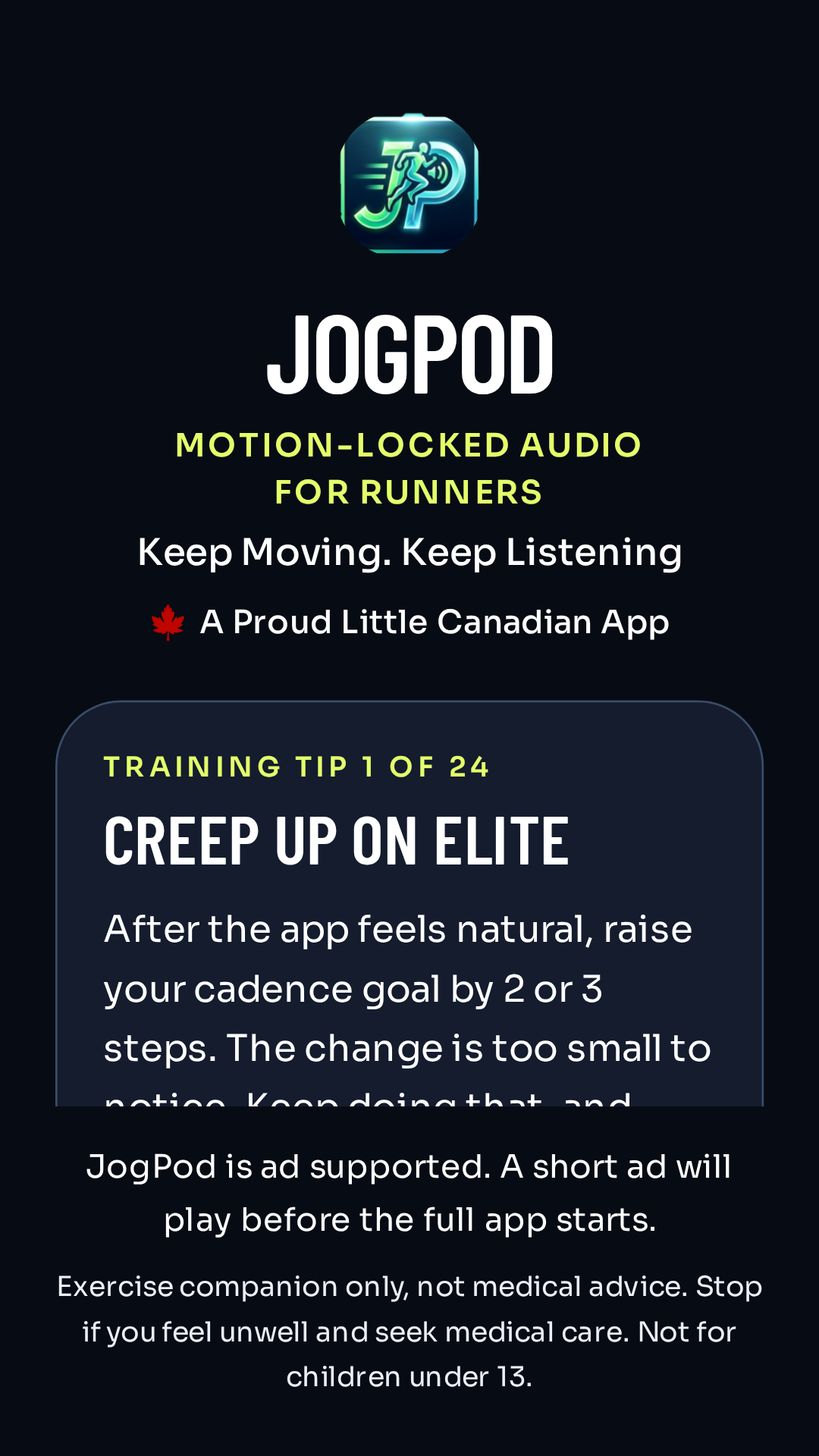
These are the real JogPod 1.7.10 screens. Volume holds for 20 seconds, then follows your stride. Hold Press for max volume. In Stats, clear only the runs you select.
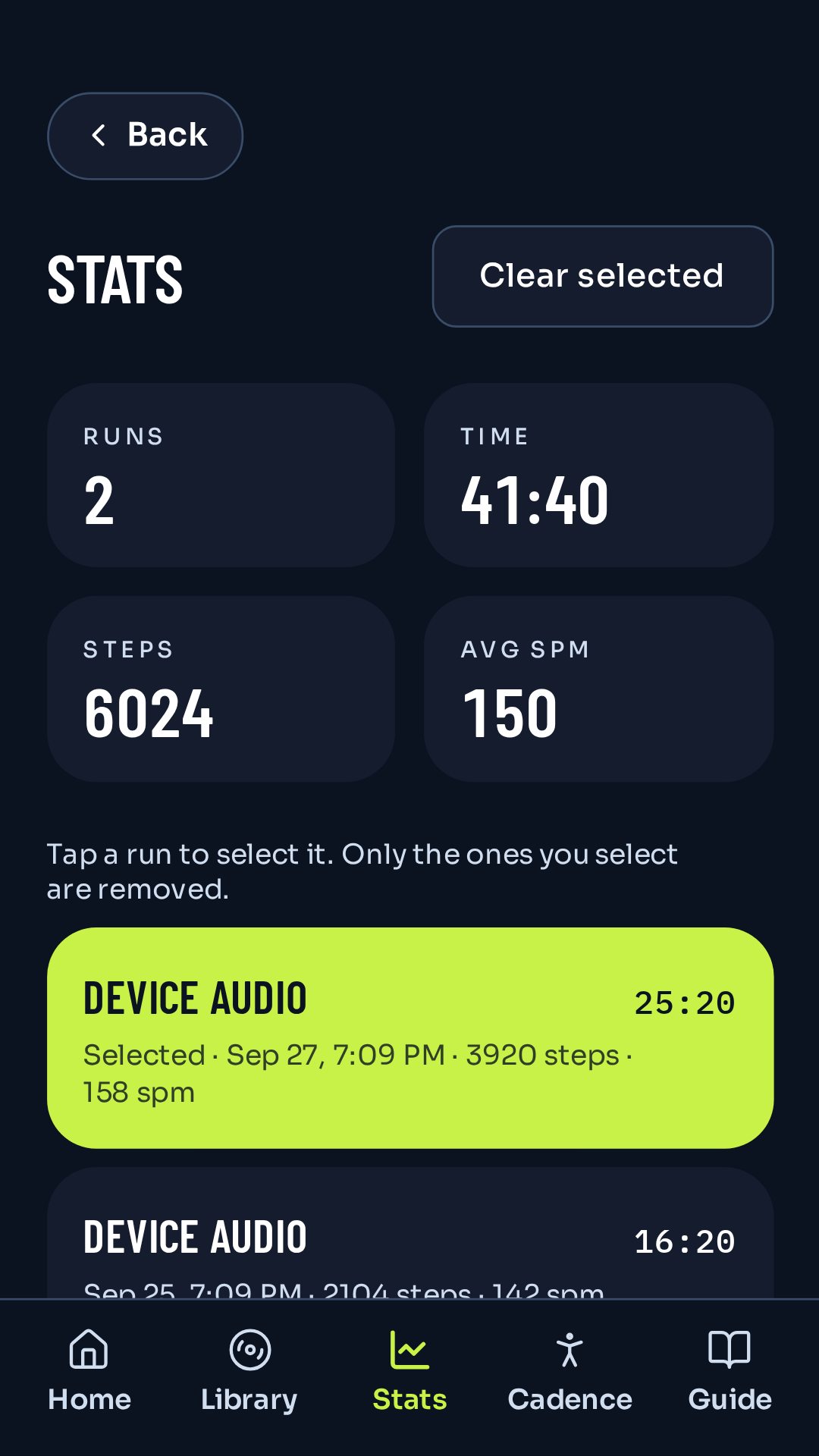
JogPod is ad supported and is not for children under 13. A short ad may play after the welcome tip. Run history stays on the phone. You remove only the sessions you select.